Sell an Item as Tax Exempt
Using Change Posting Mode to Remove Tax on Individual Items
By using this method to sell items as Tax Exempt you will be able to select which item should be taxed or tax exempt.
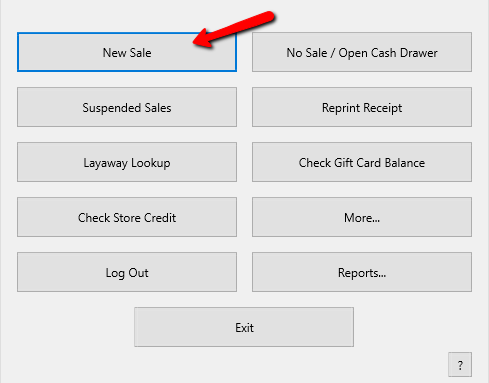
- Click on the New Sale button.
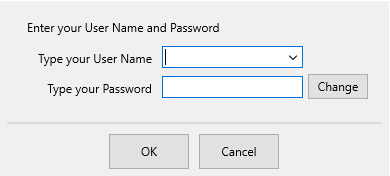
Login if prompted.
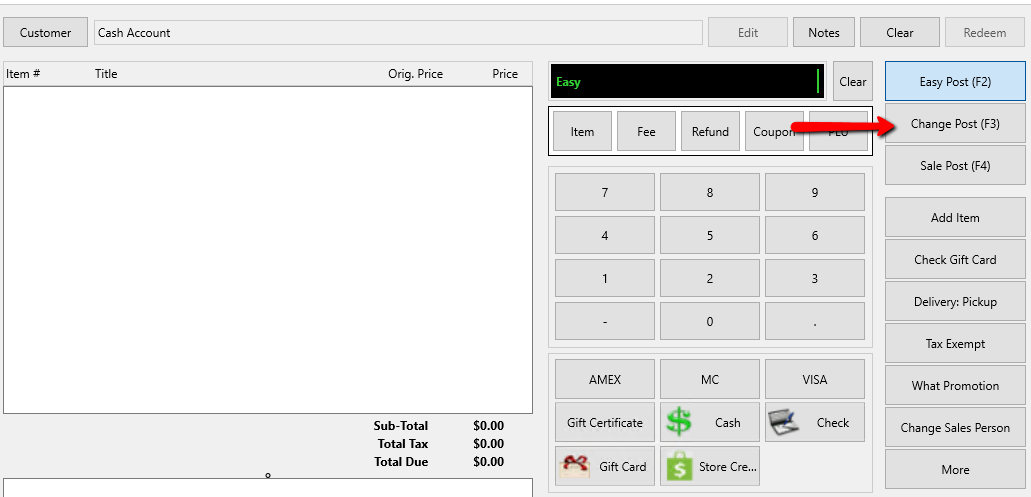
- Press the F3 key or click on the Change button.
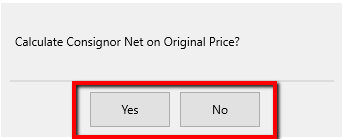
The Calculate Consignor Net on Original Price dialog will display.
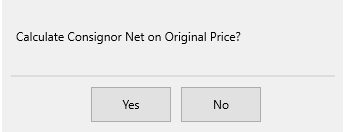
Select Yes to pay the consignor based upon the original asking price.
Select No to pay the consignor based upon the new, changed price.
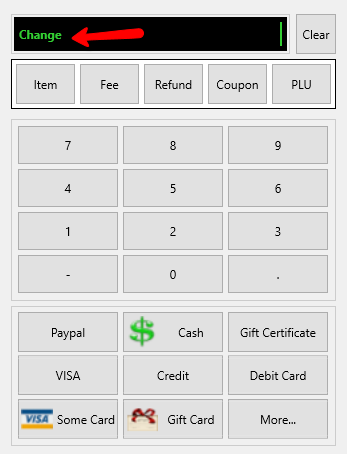
The Posting Mode in the POS will change to the Change Mode.
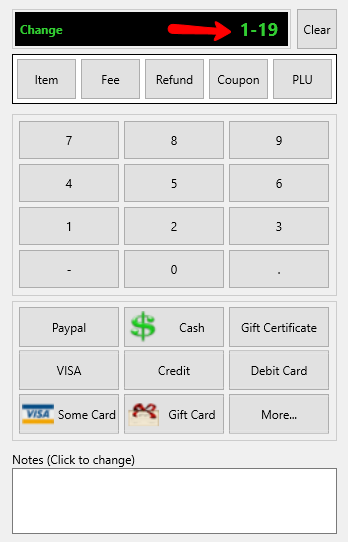
Note: See Change Selling Price for more information about the Calculate Net dialog. - Scan the tag of the item or type the account number - item number format using the keyboard, and then press the Enter key.
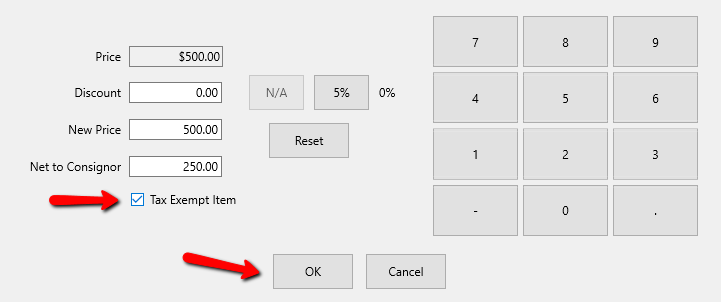
The Change Post dialog box opens.
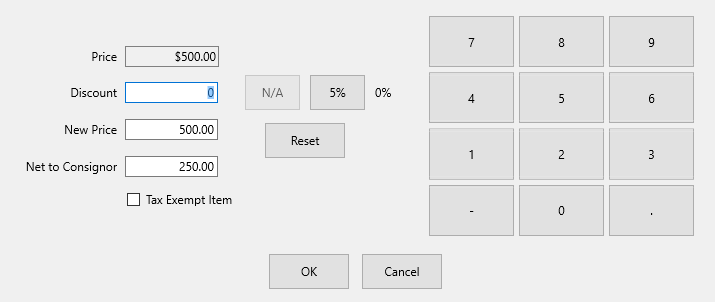
- Place a check in the Tax Exempt Item check box to make the item tax exempt then select the OK button.
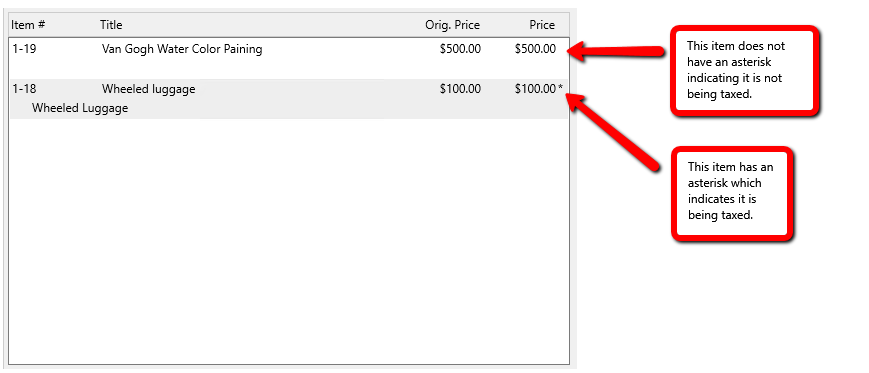
The Item will appear in the POS without and Asterisk (*) next to it. An Asterisk indicates if the item is being taxed or not.
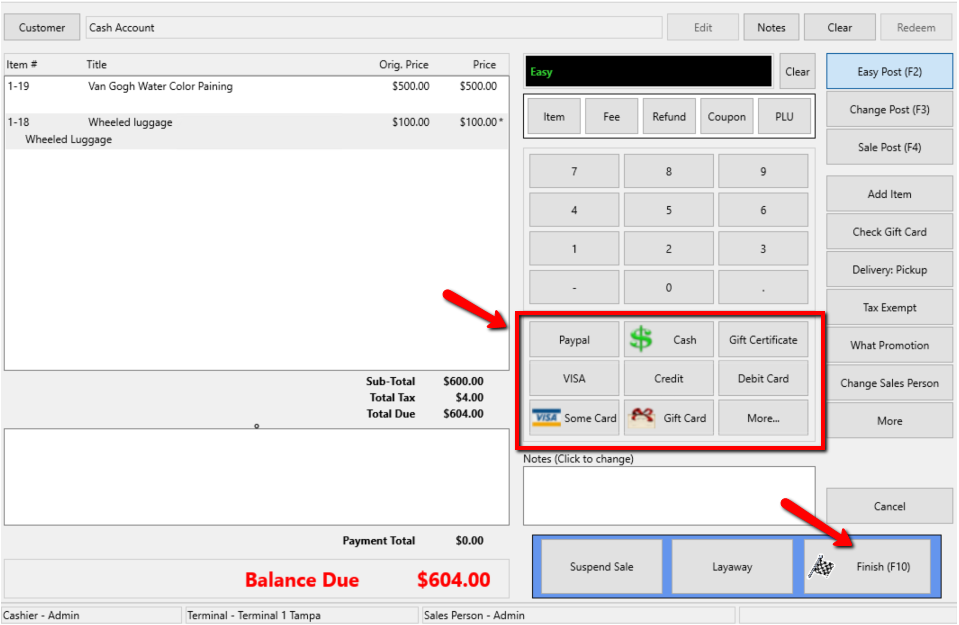
- Once all the items have been rung in, select the payment method, and then the Finish button.


Next Article In Section
Click the following link to move to the next article in this section:
Post an Entire Sale as Tax Exempt