
Expire Groups
Expire Groups help organize expired items, which can allow for more in depth reporting.
Assigning Expire Group To A Price Code
1.Within the Inventory Module select Setup > Price Codes > Price Codes…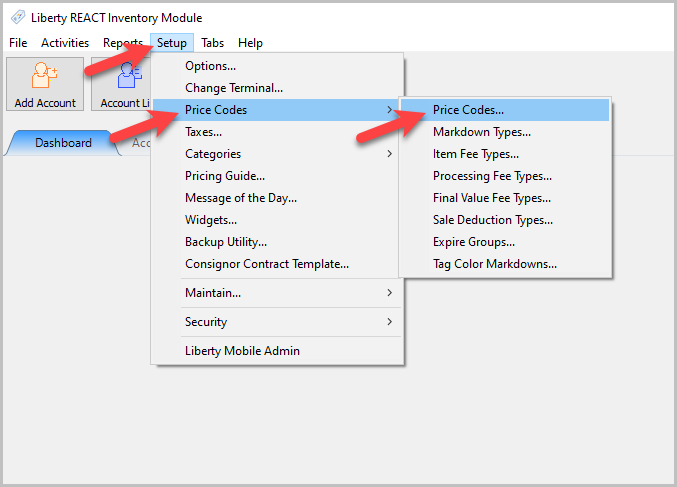
The Maintain Price Codes Dialogue Box will appear.
2.Click the Expire Group dropdown to select an Expire Group for each Price Code. 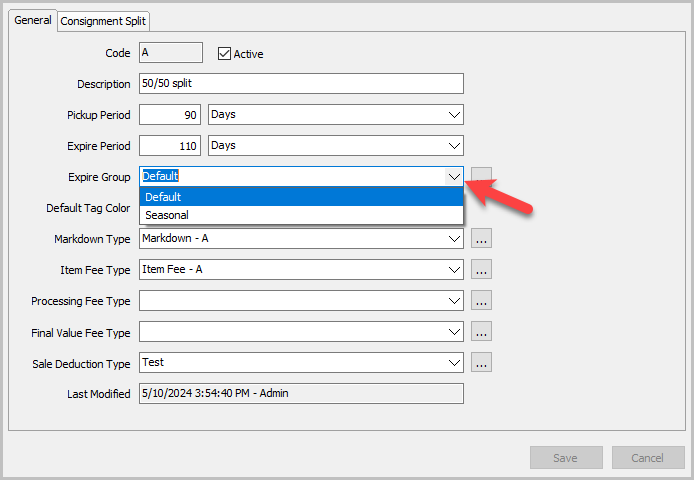
3.You can also hit the … button to reach the Maintain Expire Groups window.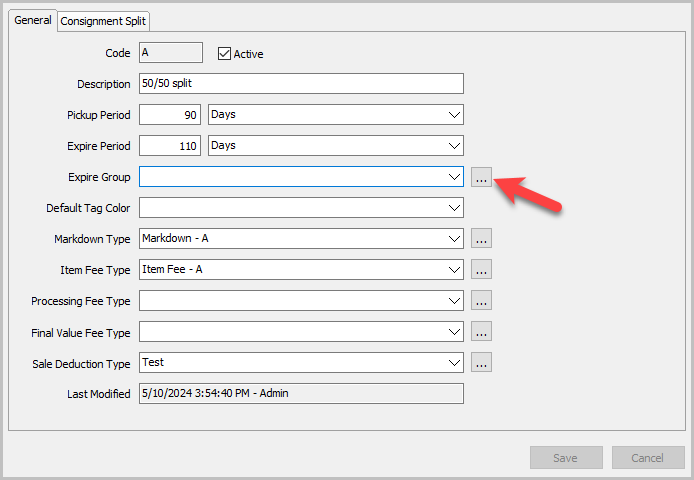
Use this window to add, edit, or delete Expire Groups.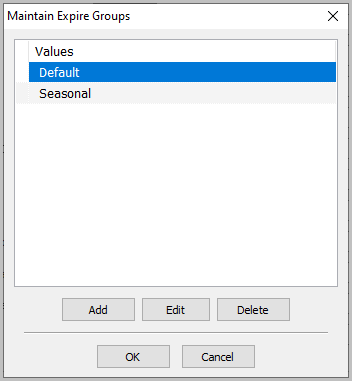
Related Topics
Setting Up Expire Groups
Price Codes Overview